
Removing a user takes away their access to a company. It does not delete them, and it does not touch the calls, tags or notes they created.
Remove a User From a Company
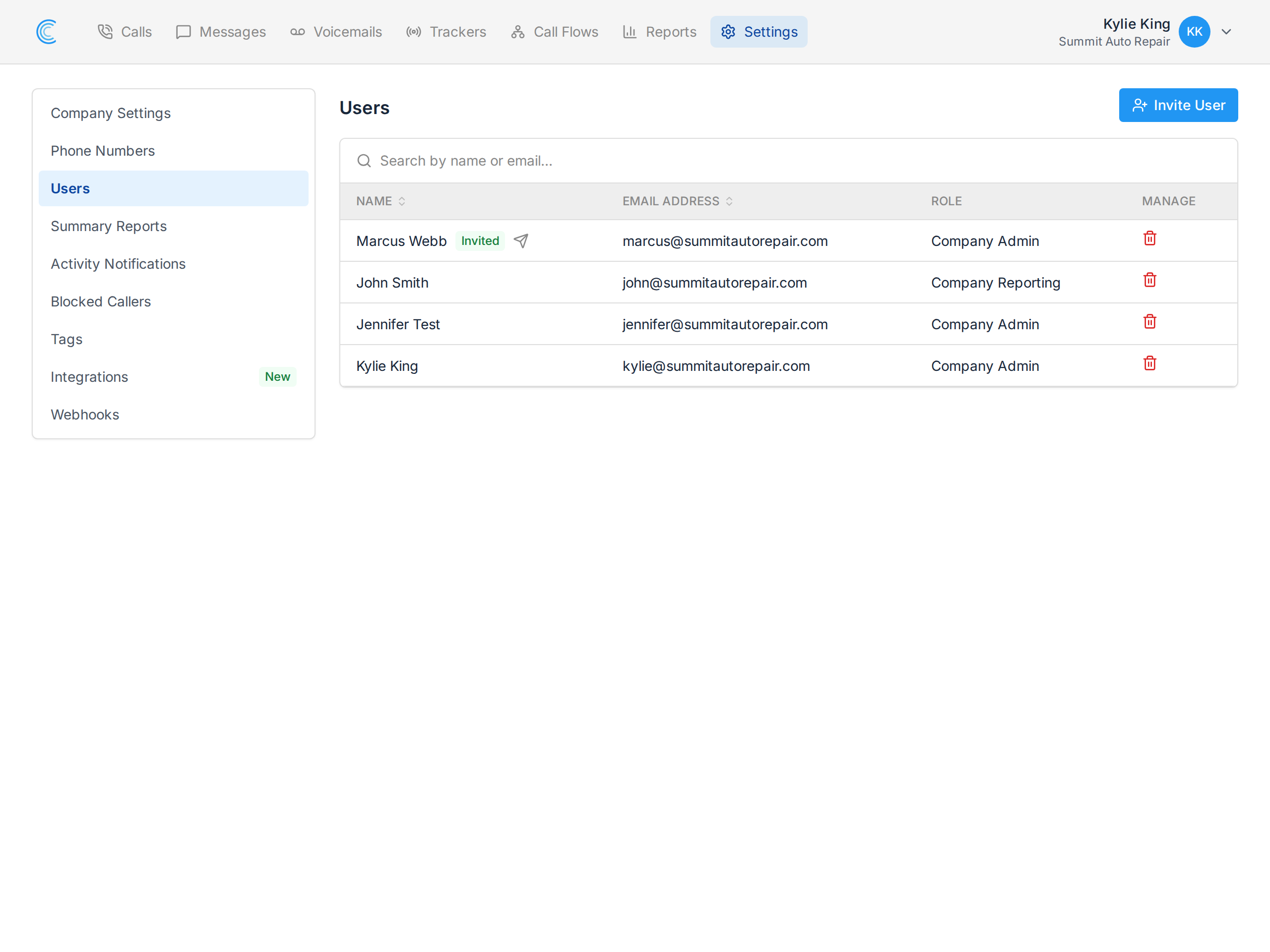
Go to Settings → Users inside the company, find the user, and press the remove icon in the Manage column. You'll be asked to confirm.
Their access to that company ends immediately. The next time they sign in, that company simply isn't in their list.
What Removal Does and Doesn't Do
- They keep any other companies they have access to. Removing someone from one company in a multi-company account leaves the rest untouched — this is access, not account deletion.
- Their work stays. Call notes, tags and call values they set remain exactly as they were. Nothing is attributed to a deleted user or wiped out.
- Their notifications stop. Any activity notifications or summary reports they were receiving for that company stop with the access.
- They can be invited back, and the invitation goes to the same address. See Invite New Users to Your Company.
Removing Someone From the Whole Account
If a user should lose access to every company, an account admin can manage them from Account Settings → Users, where each user's company access is edited in one place rather than company by company. See Account User Management.
Note Because Call Tracker signs people in with a code sent to their email, removing their access is what actually ends it — there is no password to change. See Signing In.