
A Forward Call step sends the caller to a real phone. In most call flows it's the step that actually connects the conversation.
Set the Destination
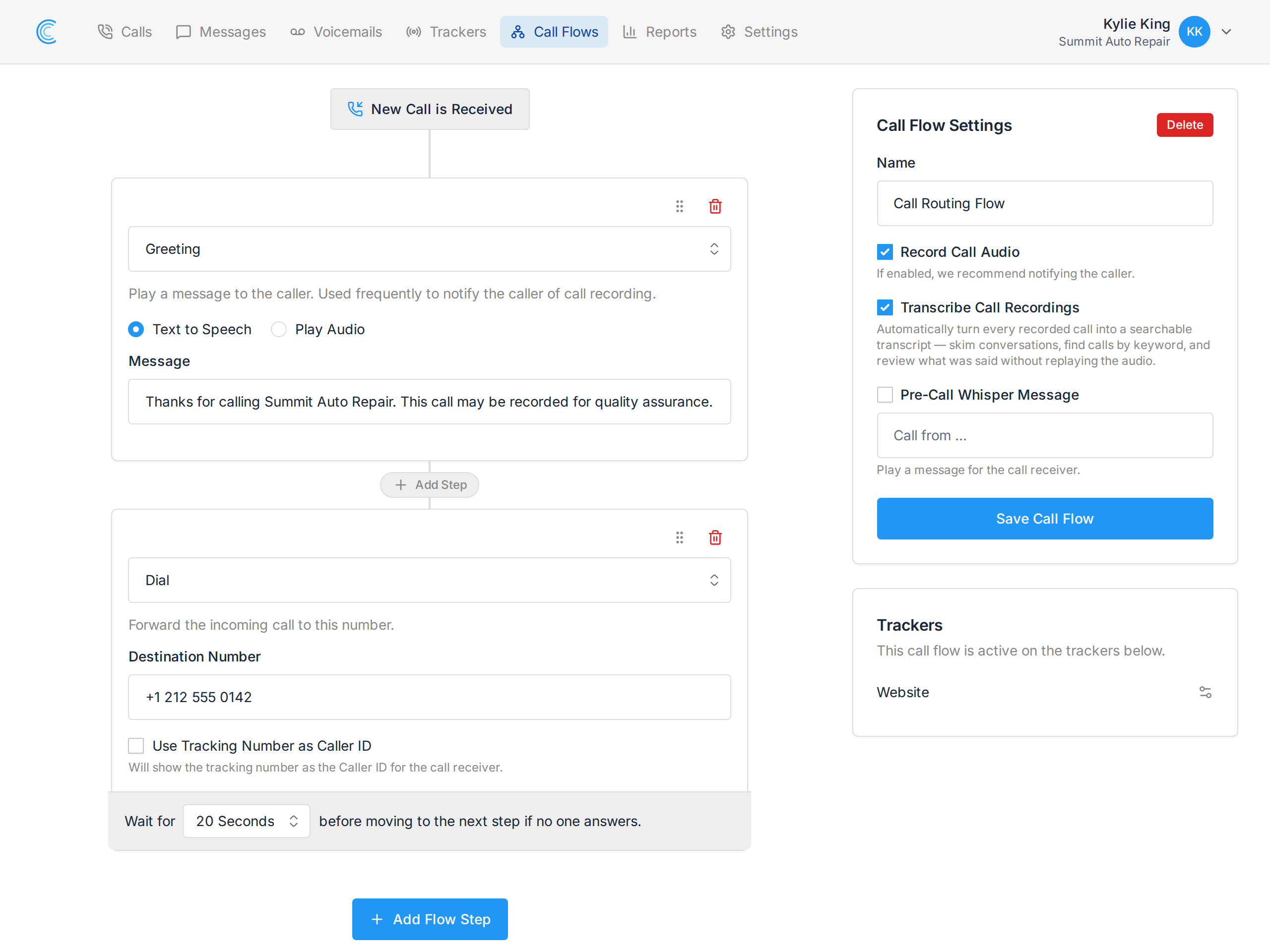
Enter the Destination Number — the phone that should ring. Usually your main business line, a mobile, or a department's direct number.
This is separate from the tracking number. Callers dial the tracking number; we forward to the destination. That indirection is what makes the tracking work, and it means you can change where calls land without changing anything you've advertised.
Ring Time
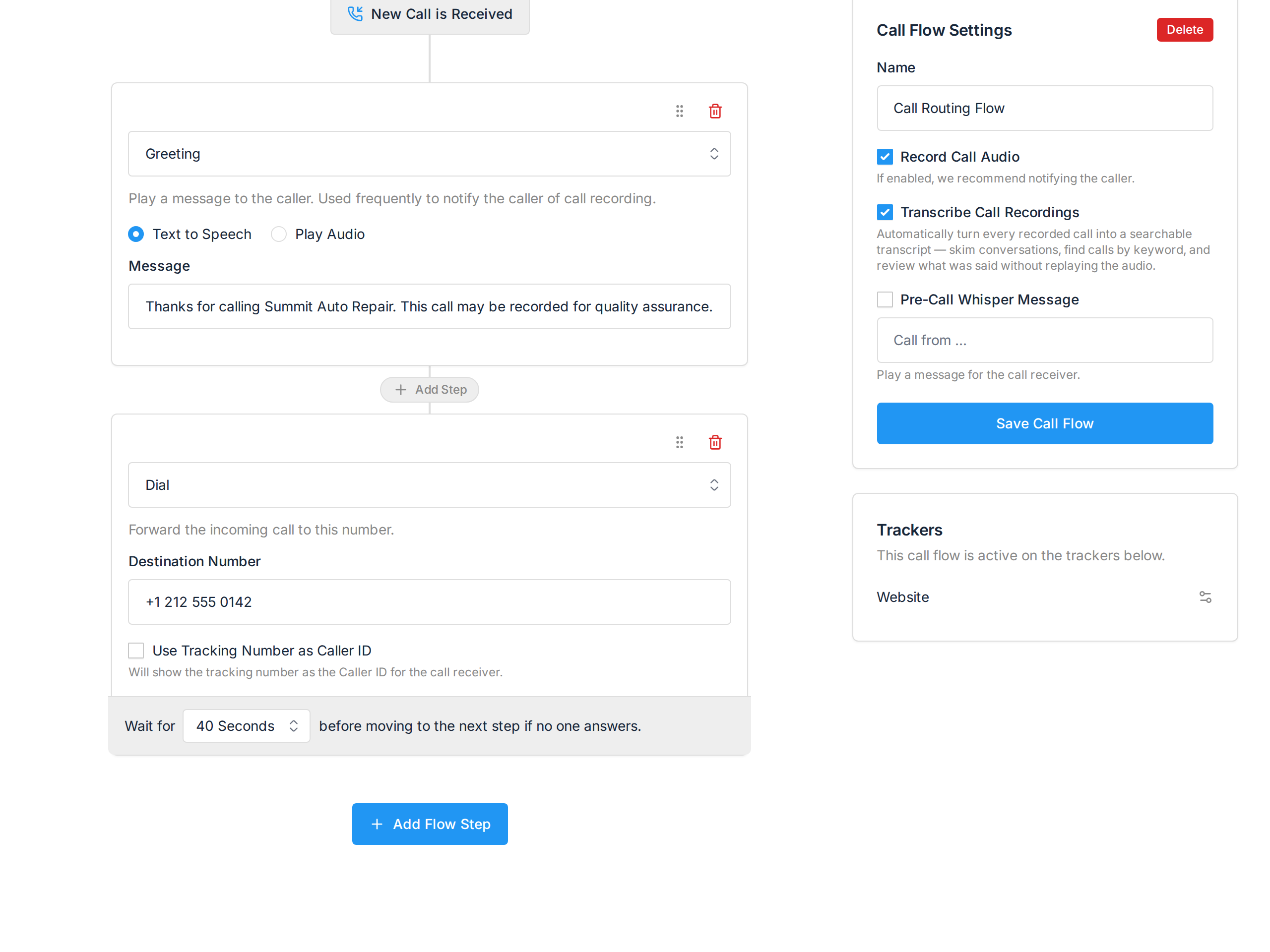
Wait for controls how long the destination rings before the flow moves on, from 10 to 60 seconds.
A ring takes roughly 5 seconds, so 20 seconds is about four rings. Two things to balance:
- Too short and you cut off people who were about to pick up.
- Too long and the caller gives up before your voicemail ever plays.
20 to 30 seconds suits most businesses. Use less if a Voicemail step follows and you'd rather capture a message than keep people waiting.
If nobody answers, the call continues to the next step. With no next step, the call simply ends — which is why a Forward Call step is usually followed by a voicemail.
Use Tracking Number as Caller ID
Tick this and whoever answers sees the tracking number instead of the caller's number.
That tells your team which campaign produced the call before they say hello, which is useful when one phone answers for several trackers. The trade-off is that you lose the caller's real number on the handset, so you can't return the call from your recent-calls list — it's in Call Tracker, but not on the phone.
Leave it off if returning calls straight from the handset matters more than knowing the source. For source context without losing caller ID, use a Pre-Call Whisper Message instead — see Updating Tracker Settings.