
Tags are useful to categorize your calls to support your business workflow and reporting needs. See more about tagging in Tags Overview.
Add a Tag Without Leaving the Call List
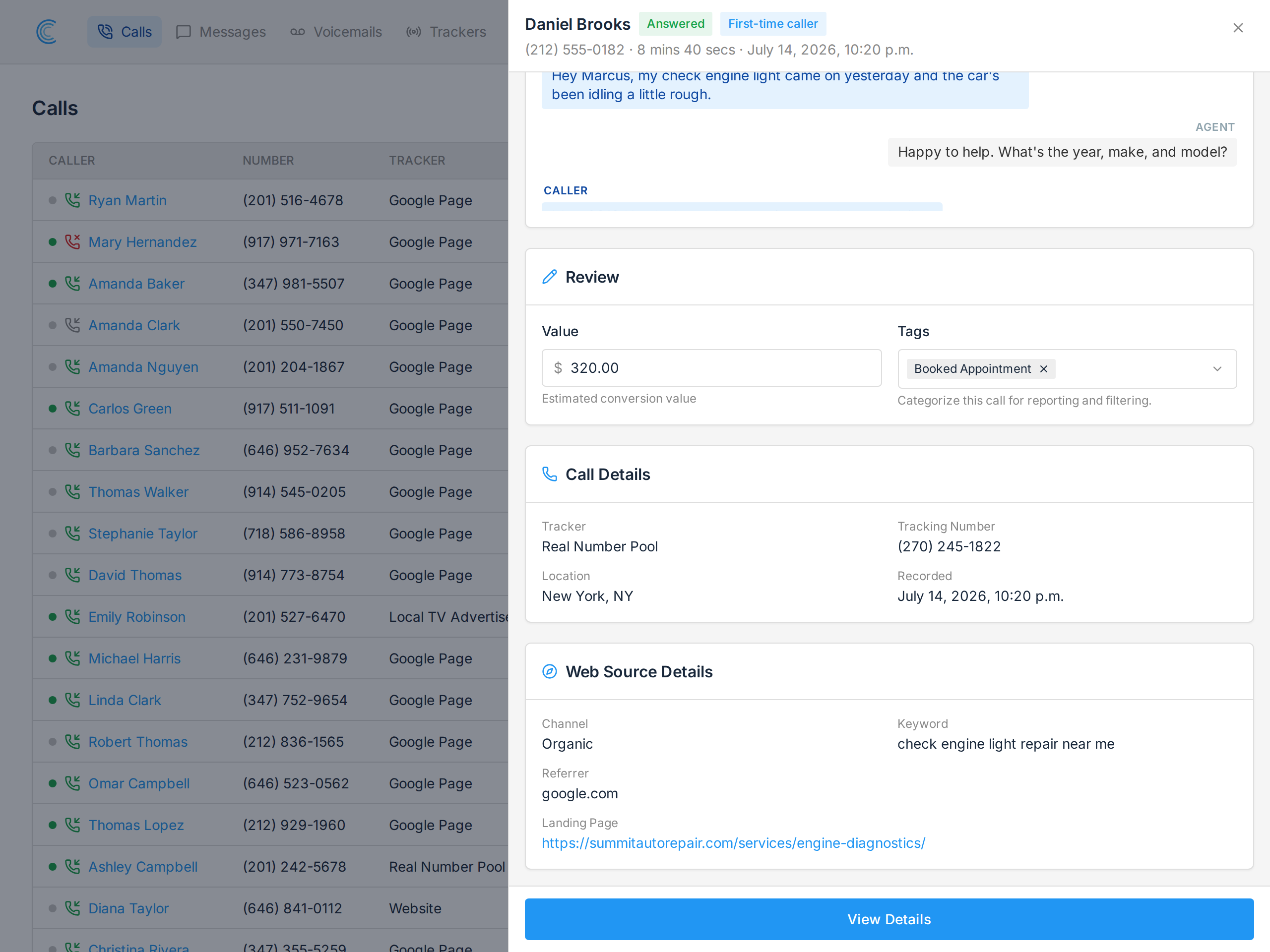
The quickest way to tag a call is straight from the call list. Press Add + in the Tags column and a review panel slides out over the list, with the recording, the transcript, and a Tags picker in the Review card.
Choosing a tag saves it immediately, and the call list updates behind the panel. The list itself doesn't move or reload, so you keep your place while working through a page of calls.
You can also set the call's Value in the same panel. See Attributing Call Value.
Add a Tag From Call Details
Tags can also be added on the full Call Details page, in the Edit Call Details section. Choosing a tag saves it to the call automatically.
Filter Calls by Tags
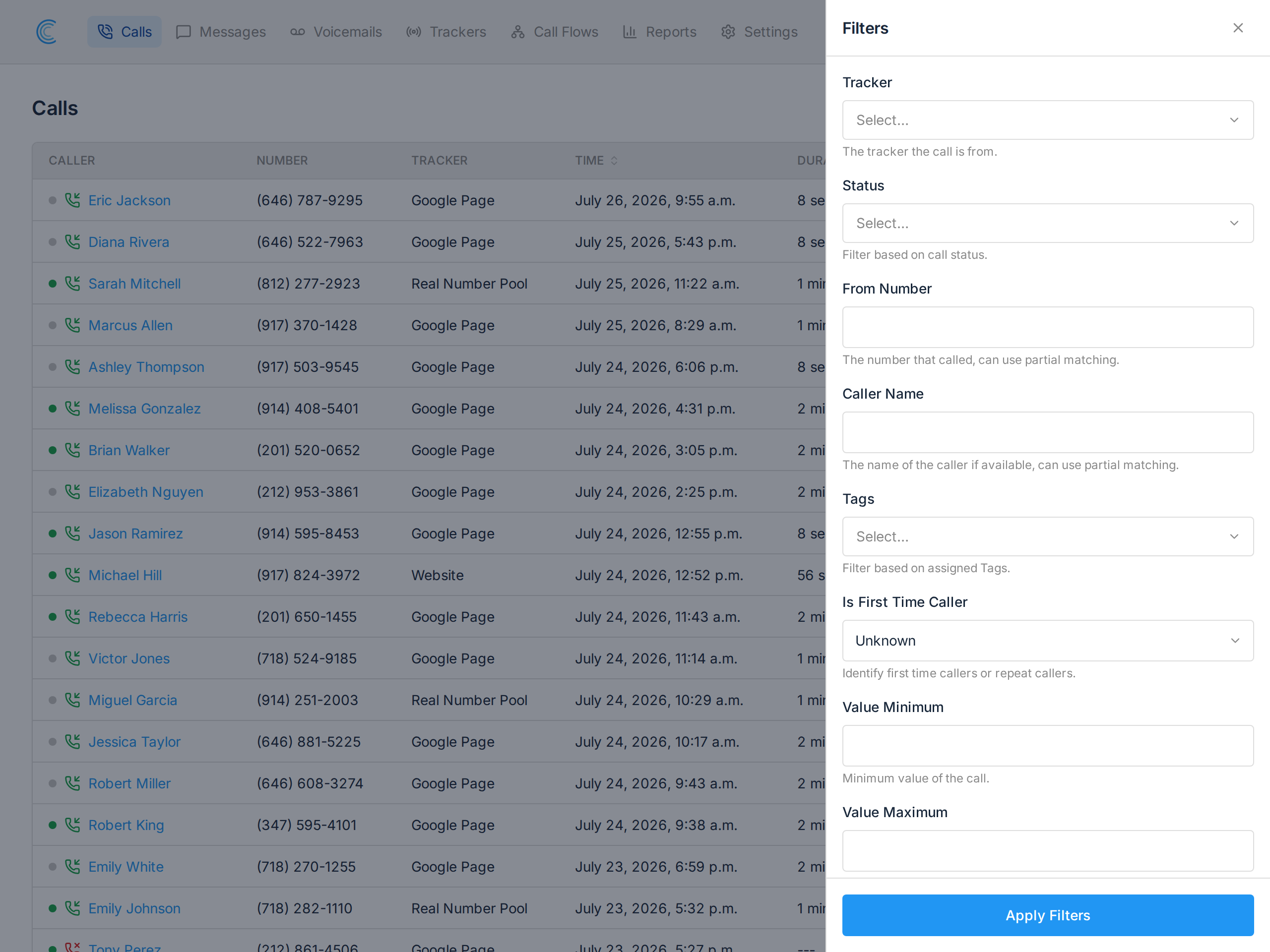
Press Filters at the top of the call list and pick one or more tags under Tags, then press Apply Filters. Combine this with Export to get a CSV of just the calls carrying those tags.
Calls by Tag Report
After adding Tags to your calls, you can also view a report of your Calls by Tag.