

Every call in your account can be pulled out as a CSV — for a spreadsheet, a client report, or an import into your CRM.
Export the List
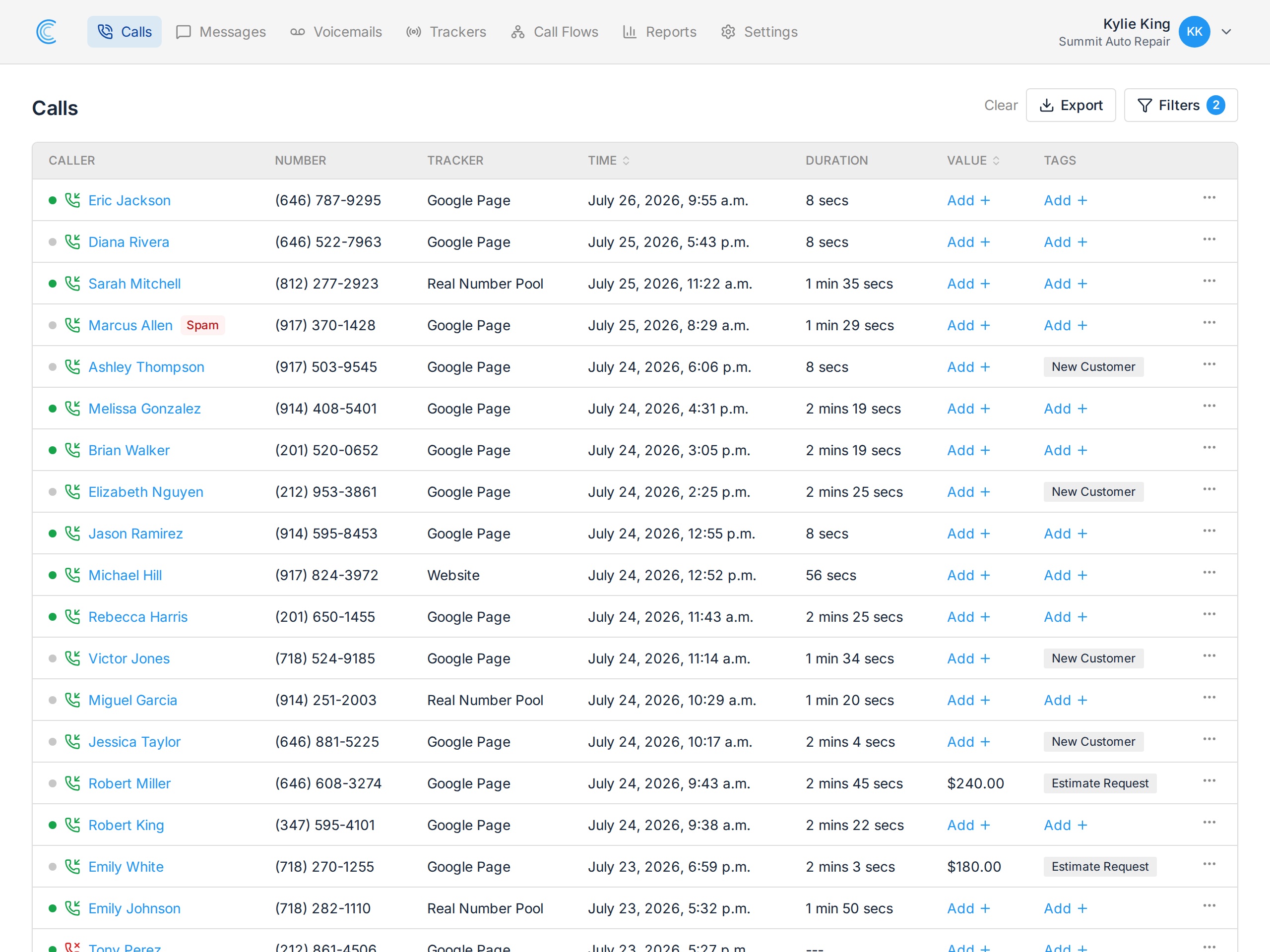
Open Calls and press Export at the top right. The file downloads immediately, named calls- followed by your company ID.
Two things worth knowing before you press it:
- The export follows your filters. Whatever the list is showing is what you get. Filter to one tracker, one date range or one tag first, and the CSV contains only those calls.
- It's not limited to the page you're looking at. The list shows 25 calls at a time; the export contains every call that matches, however many pages that is.
That combination is the whole technique: filter first, then export. It's how you produce a single client's calls for last month rather than exporting everything and deleting rows in a spreadsheet.
What's in the File
One row per call, with more detail than the on-screen table shows:
| Column | Contents |
|---|---|
| id | the call's unique ID |
| tracking_number | the number that was dialled |
| tracker | which tracker it belongs to |
| value | the value you assigned |
| timestamp | date and time of the call |
| duration_in_sec | talk time in seconds, not minutes |
| status | answered, missed or abandoned |
| caller_number, caller_name | who called |
| caller_city, caller_state, caller_zip | where they called from |
| source_referrer, source_channel, source_keyword | how they found you |
| landing_page | the page they arrived on |
| gclid | the Google Ads click ID, where present |
| recording_url | a direct link to the audio |
| is_first_time | whether this caller had called before |
| tags | the tags on the call |
The web attribution columns only carry data for calls from an online tracker with our tracking script installed — see Dynamic Number Insertion.
Things People Trip Over
- Duration is in seconds. Divide by 60 for minutes. Note this is the raw talk time — billing rounds each call up to the next whole minute, so the two won't match. See An Overview of Call Tracker Billing.
- Phone numbers may lose their leading digits in Excel. Excel reads them as numbers. Import the file rather than double-clicking it, and set those columns to Text.
- One company at a time. The export covers the company you're currently in. Switch companies from the menu at the top right and export again.
- gclid is often blank. It's only populated for visitors arriving from a Google Ads click.
Reporting Instead
If you want totals rather than individual calls — calls per tracker, per source, per hour — the reports already aggregate that, and each one exports too.
For a live feed into another system rather than a manual download, use webhooks or the API.