
Tags are how you categorize calls and messages — "New Customer", "Estimate Request", "Booked Job" — so you can filter and report on them later.
Tags belong to a company, not to your whole account. Each company keeps its own list, so a client's tags never appear on another client's calls.
Where Your Tags Live
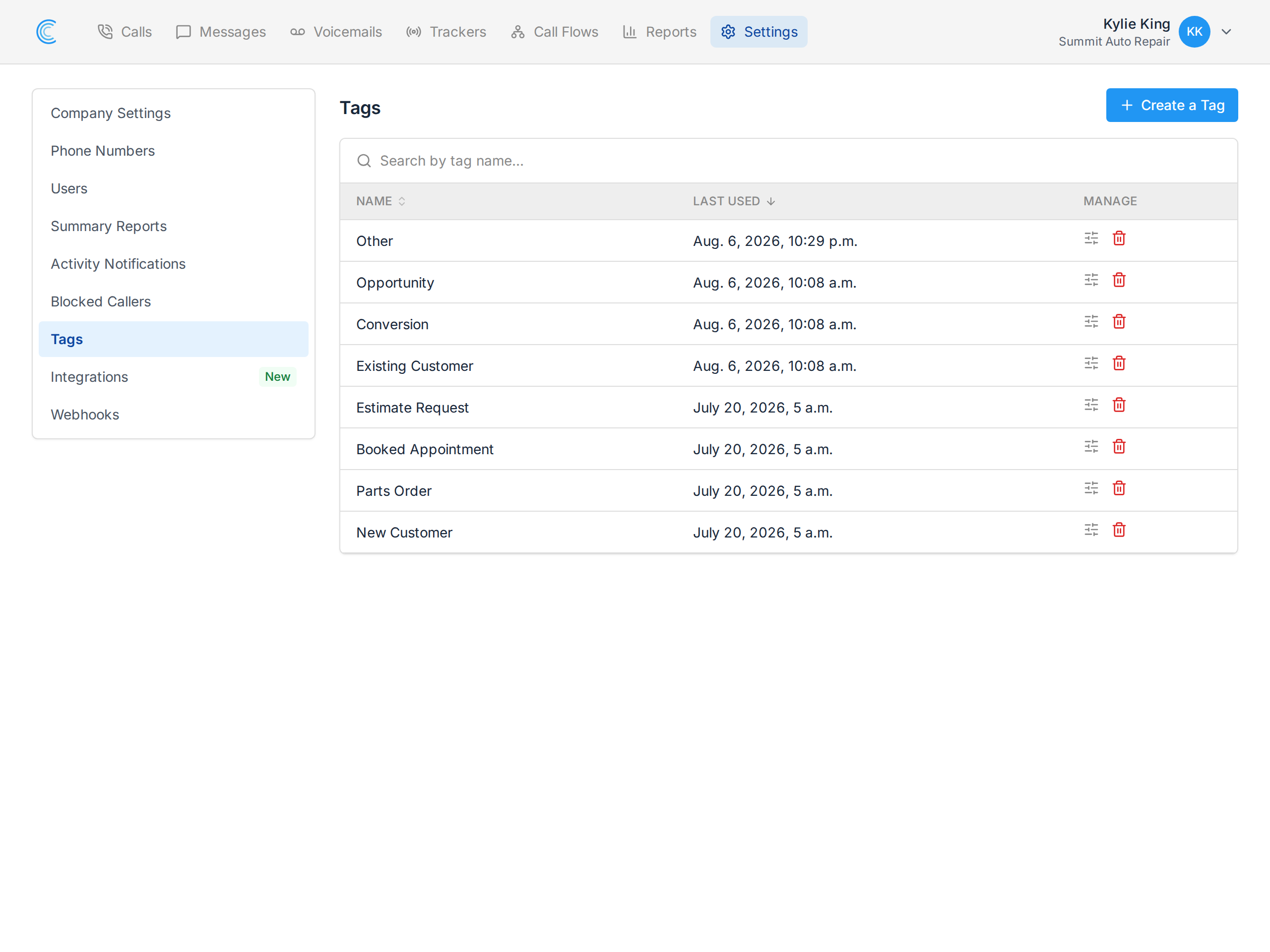
Go to Settings, then Tags in the left-hand menu. Every tag the company has is listed, with a Last Used date beside it.
Your company starts with a default set, so there's something usable from day one.
Create a Tag
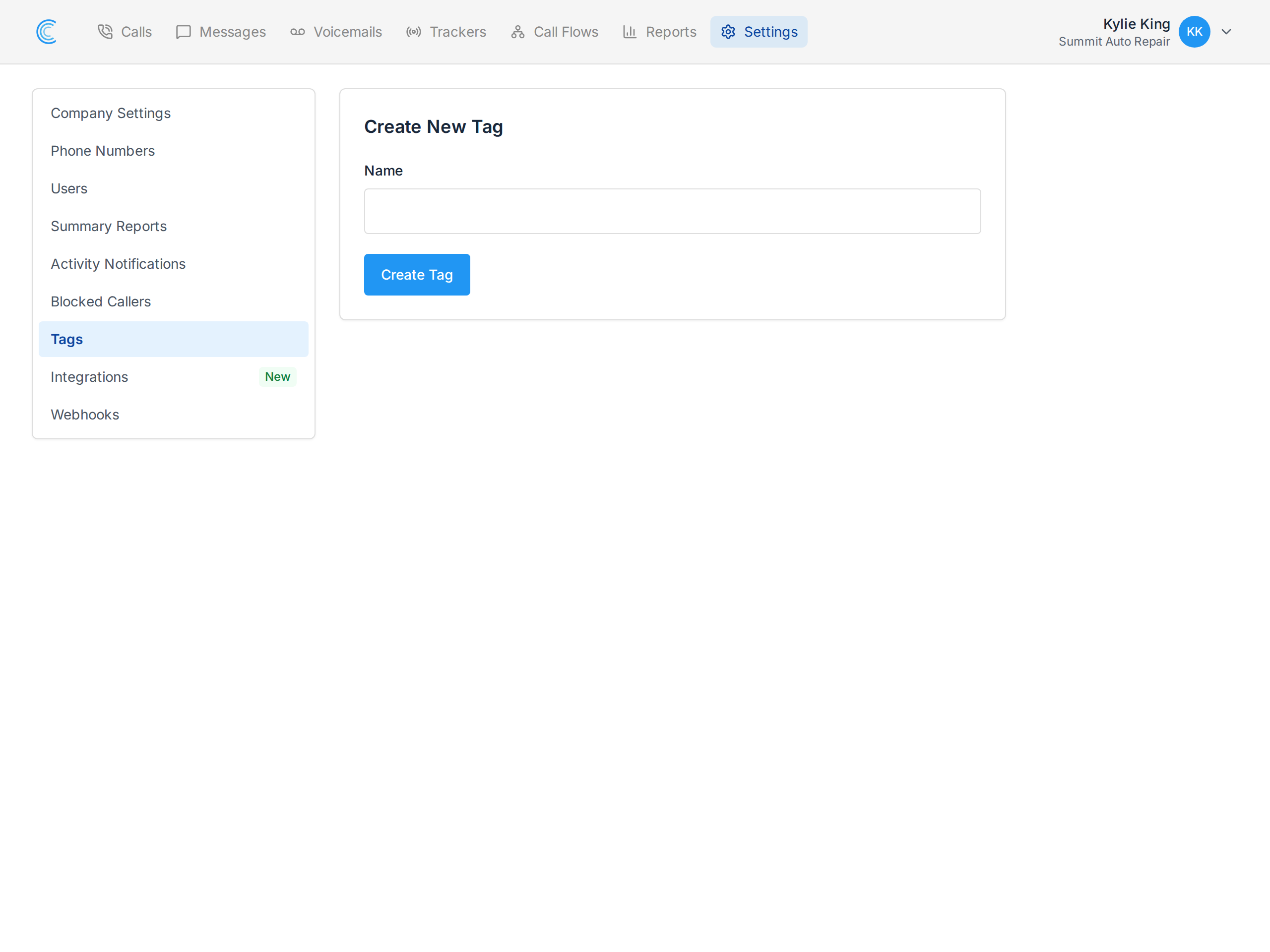
Press Create a Tag at the top right of the list, type the Name, and press Create Tag. It's available to apply immediately.
There's no call tag or message tag — every tag works on both. One tag can go on a call and on an SMS conversation, which is what lets you compare the two in reporting.
Rename or Delete
Use the icons in the Manage column:
- Settings opens Tag Details, where you change the name and press Update Tag. Renaming keeps the tag on everything it's already applied to — the label changes everywhere at once, so this is the safe way to fix a typo or tidy wording.
- Delete removes it, after a confirmation. It comes off every call and conversation carrying it, and that history can't be brought back. Rename instead of deleting if you just want different wording.
Keeping the List Useful
Last Used is the column to work from. Sort by it and the tags nobody has touched in months collect at the bottom.
Long tag lists are what stop people tagging — if the picker has forty options, nobody scrolls it. A short list gets used consistently, and consistent tagging is what makes the reports worth reading.
Two habits that keep it short:
- One idea per tag. "Estimate Request" and "Booked Job" describe different things. "Estimate Request - Booked" describes both badly.
- Review it quarterly. Delete what's unused, rename what's ambiguous.
Applying and Reporting on Tags
- On calls — see Call Tags and Reviewing Calls.
- On SMS conversations — see Message Tags.
- To see the totals, the Calls by Tag report breaks your calls down by tag over any date range. You can also filter the call list by tag and export the result.