
Unfortunately spam callers has become quite popular these days for telemarketing companies lately. If you receive an unwanted call, there are a few different things we recommend doing to stop future calls.
How Blocked Callers Works
There are two different ways to filter incoming calls with block callers.
- Challenge - force the caller to Press 1 to continue and connect the call. This is similar to a web form CAPTCHA to prove they caller is a real person and not an automated system.
- Block - calls will be immediately ended with no option to connect the call.
We recommend challenging calls over blocking, its better to allow a call to come through if it's human than get totally blocked.
Mark a Call as Spam
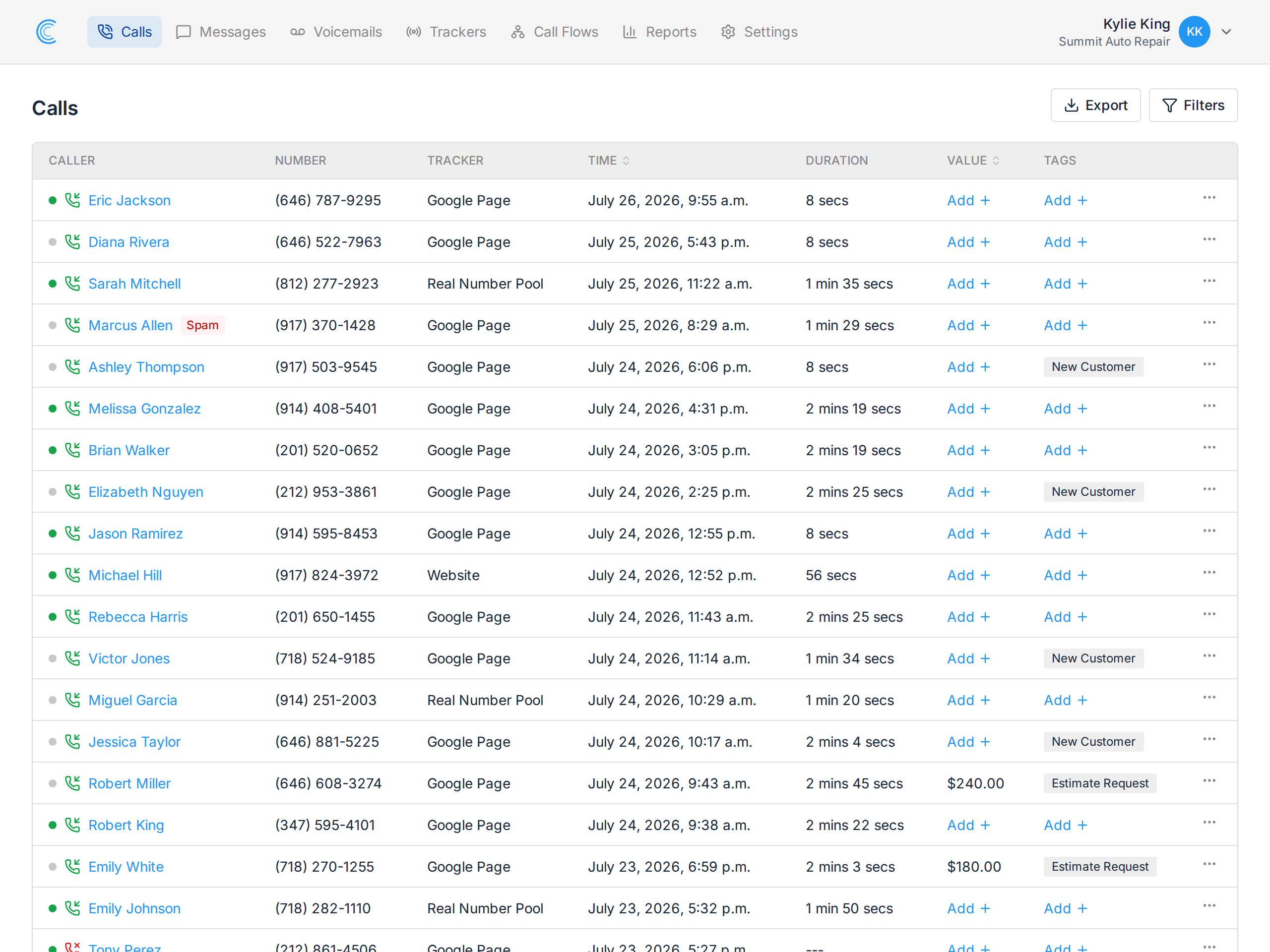
Marketing a call as spam can be done easily from the call details screen by clicking on the red block icon next to the caller's number. Once a call has been marked as spam, all future calls from that number will be blocked.
Note If you mark a call as spam, we will not bill you for any minutes usage for the call.
Managing Blocked Callers
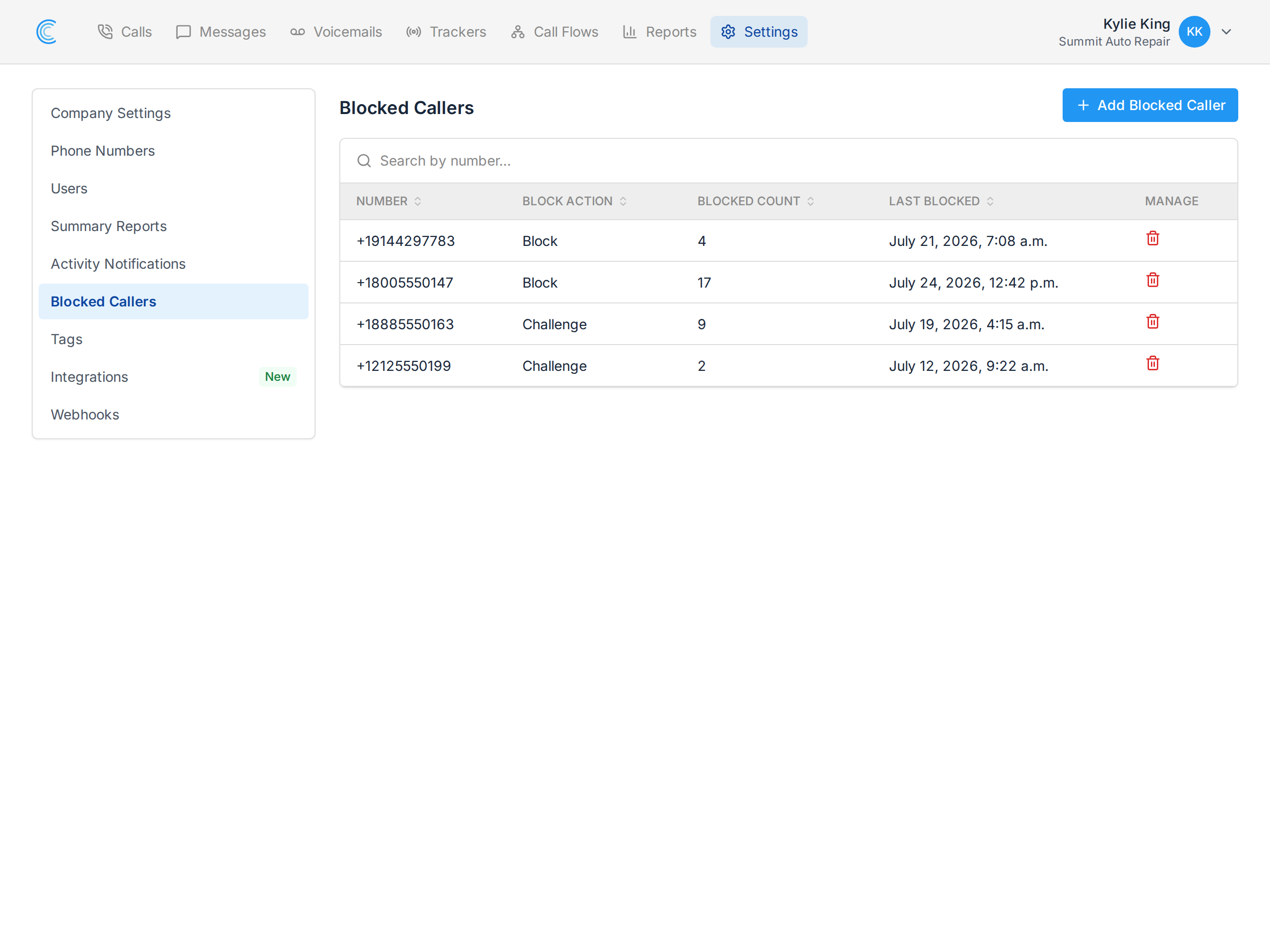
Inside your Company Settings, you'll see a tab for Blocked Callers. On this page you can manually add new blocked callers, or remove an existing blocked