
Email Summary Reports can be set up to automatically send call tracking activity reports to a user's email inbox.
Please Note Reports are emailed around 8am in the local company timezone.
Summary Report Frequency Options
Summary reports have 3 period frequencies to choose from. One user can subscribe to multiple report frequencies to stay up to date with their call tracking activity.
- Monthly
- Weekly
- Daily
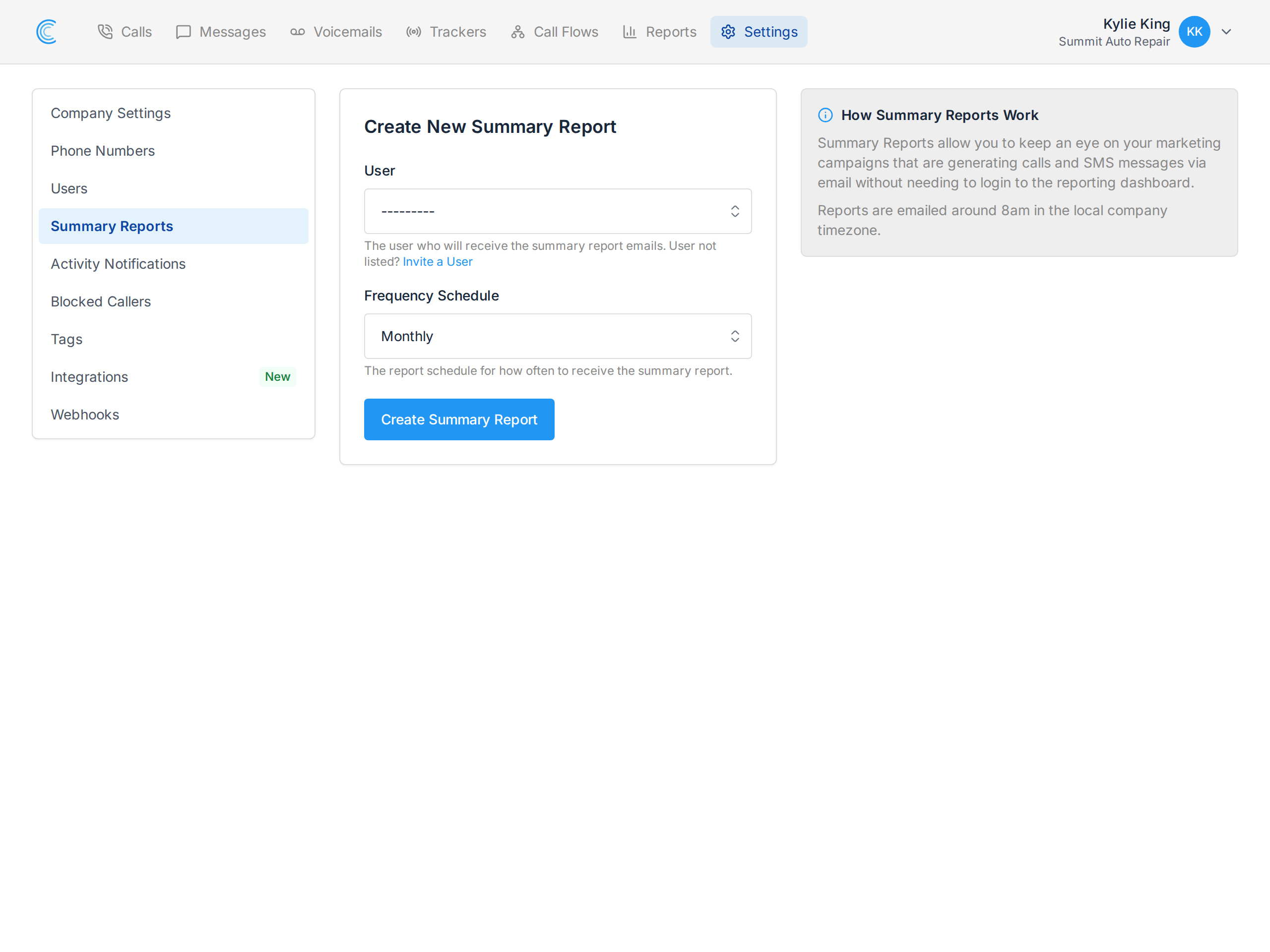
Create a Summary Report Subscription
To create a summary report subscription, navigate to the Company Settings where you'll see a section for Summary Reports. From there you can create summary reports to send.
Summary Report Preview
Below is a preview of the report email that is sent out.Your email report will vary depending on your report frequency and your activity.
