
When a campaign ends, releasing the tracker stops the billing for its tracking numbers. Your call history stays.
Open the Tracker's Settings
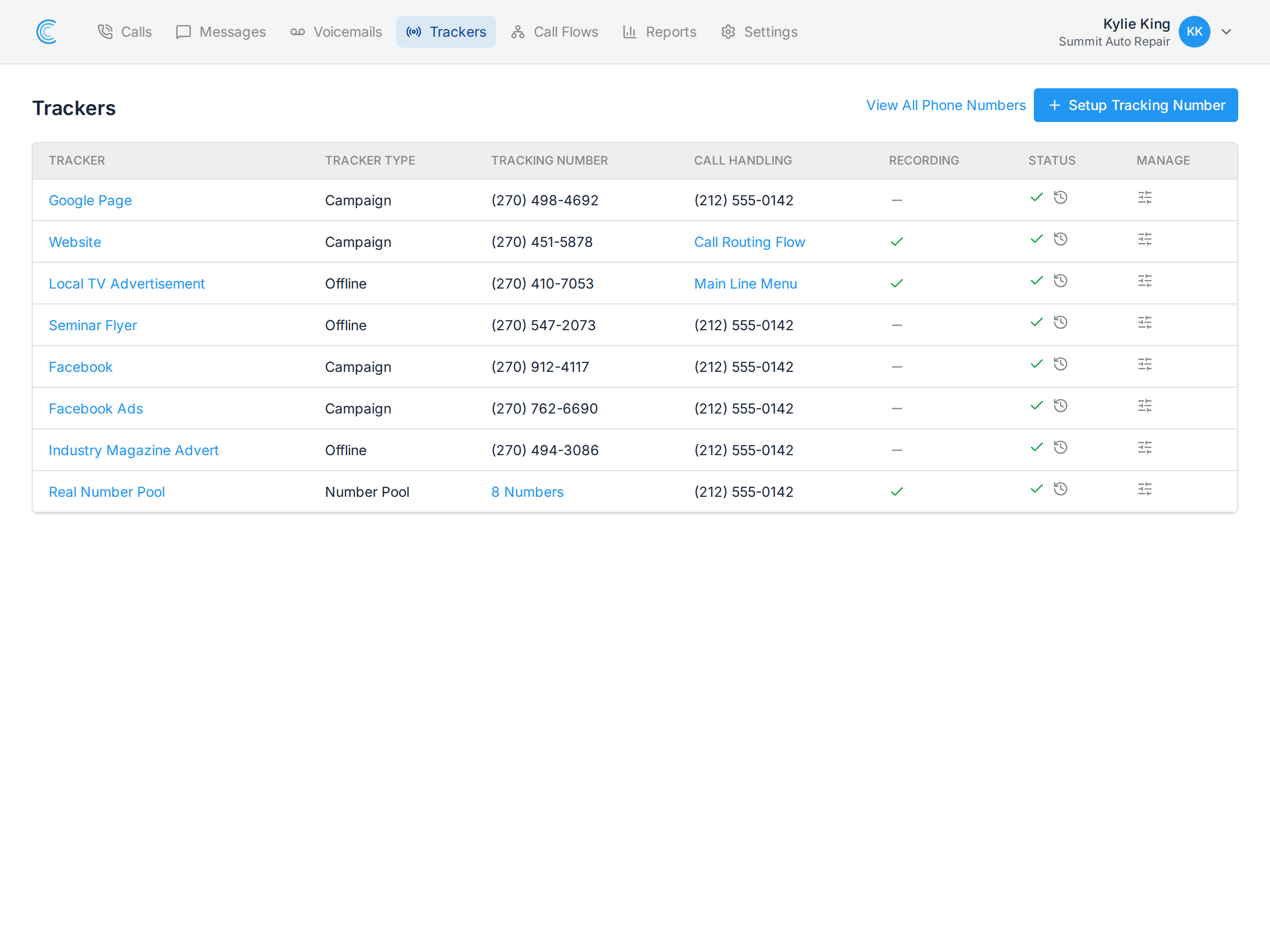
Go to your Trackers page and click the manage icon in the Manage column for the tracker you want to release.
Release the Tracker
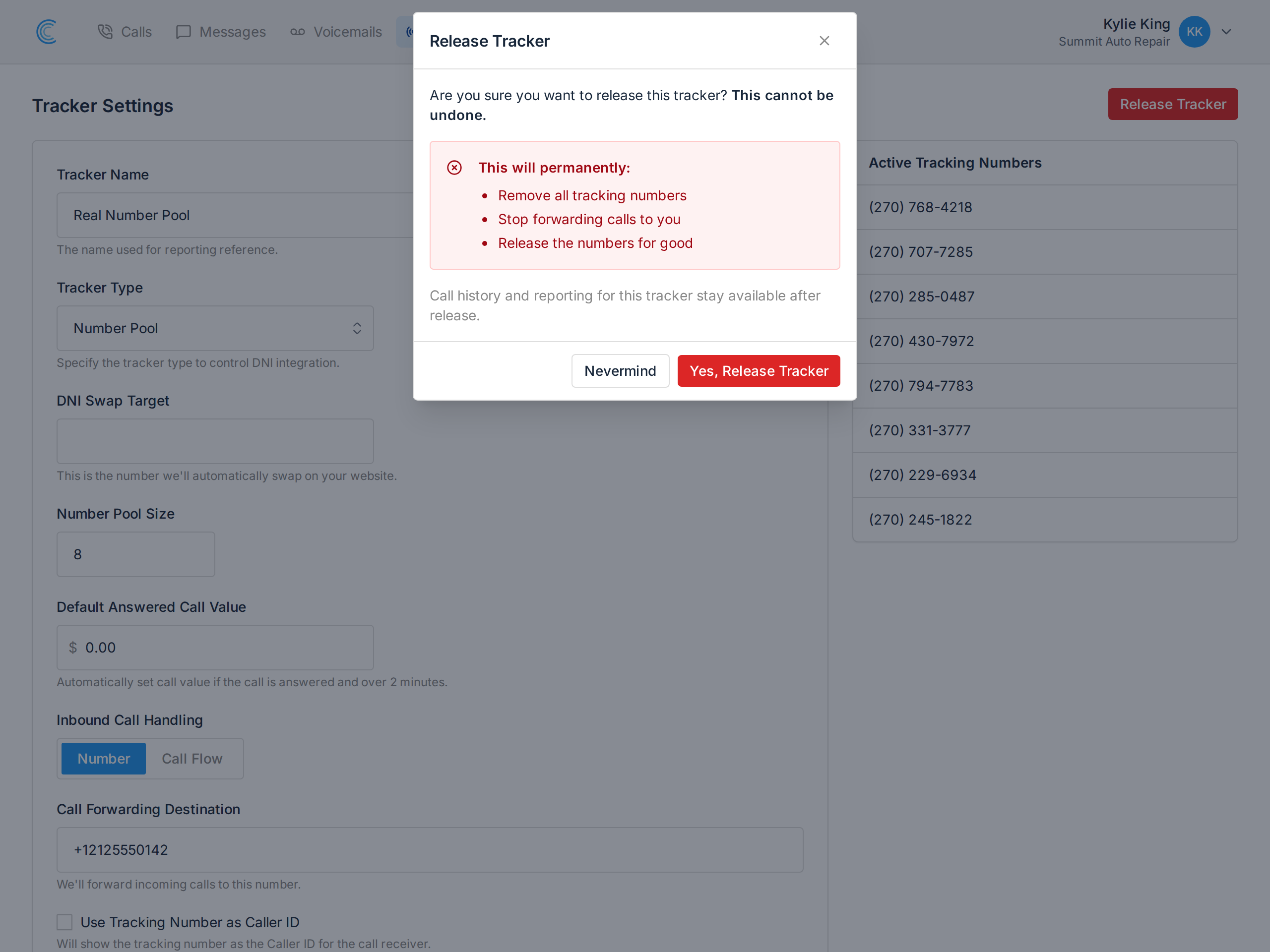
Press the red Release Tracker button at the top of the settings page. You'll be asked to confirm, because this cannot be undone.
Releasing will permanently:
- Remove all tracking numbers attached to the tracker.
- Stop forwarding calls to your destination.
- Release the numbers for good — they go back to the carrier.
What You Keep
All call history and reporting for the tracker stay available. Past calls, recordings, transcripts, tags and values remain, and the tracker continues to appear in your reports for the periods it was running. Releasing ends the number, not the record.
The Part That Catches People Out
You cannot get the number back. Once released it returns to the carrier's pool and may be reassigned to someone else. If the number is printed on anything still in circulation — a vehicle, a sign, a business card, an old brochure — those callers will reach whoever holds it next.
Release numbers you have advertised offline only when you're confident the advertising is out of circulation.
Billing
Tracking numbers are not billed pro rata. A number released mid-month is still billed for the current period, then drops off the next invoice. See An Overview of Call Tracker Billing.